
↵Open
Logicc changelog
Changelog
The latest Logicc releases and improvements.
DATEV, directly in Logicc.
Premium Integration

With the DATEV integration, you work directly with your DATEV data in Logicc. You ask questions in natural language, and Logicc retrieves only the data needed for the answer, with source references. You no longer need exports as CSV, Excel or PDF.
What you can do with it
Read in six areas: master data, accounting, document storage, order management, payroll and LODAS.
Write selectively: create and update clients and recipients, upload documents and prepare posting batches. Posting batches are never finalized and stay in DATEV for review.
Prebuilt assistants: for example for client meetings, financial accounting review, open items, client requests and BWA commentary.
Security
Your DATEV permissions apply. Every write action needs your approval and is logged. Stored in Germany, processed in the EU.
Availability
The DATEV integration is a paid premium integration and can be booked separately. Setup is done together with the Logicc team. Which functions you can use depends on your DATEV programs and licenses.
Confirmations under § 43e BRAO and § 62a StBerG.
New Feature

Law firms and tax advisory firms in Germany can now get their confirmation of Logicc as a service provider under § 43e BRAO or § 62a StBerG directly in the app.
Addition to your agreements: The confirmations supplement the agreement under § 203 StGB and the data processing agreement.
Quick to do: Logicc has already signed both documents. You sign directly in the app and download the finished PDF.
Requirement: an already signed agreement under § 203 StGB.
You can find both confirmations under Organization settings → Agreements → Professional secrecy.
Smart Select AI, reworked.
Improvement

We reworked Smart Select AI. Smart Select AI automatically picks a suitable model for each request, for text requests as well as requests with images. With the update, Smart Select AI works with newer models in the background, without you having to change anything yourself.
Now for assistants too: Smart Select AI can be chosen as the model for custom and curated assistants. You can switch existing assistants with a fixed model in a few clicks.
The Logicc API, now directly in the app.
New Feature
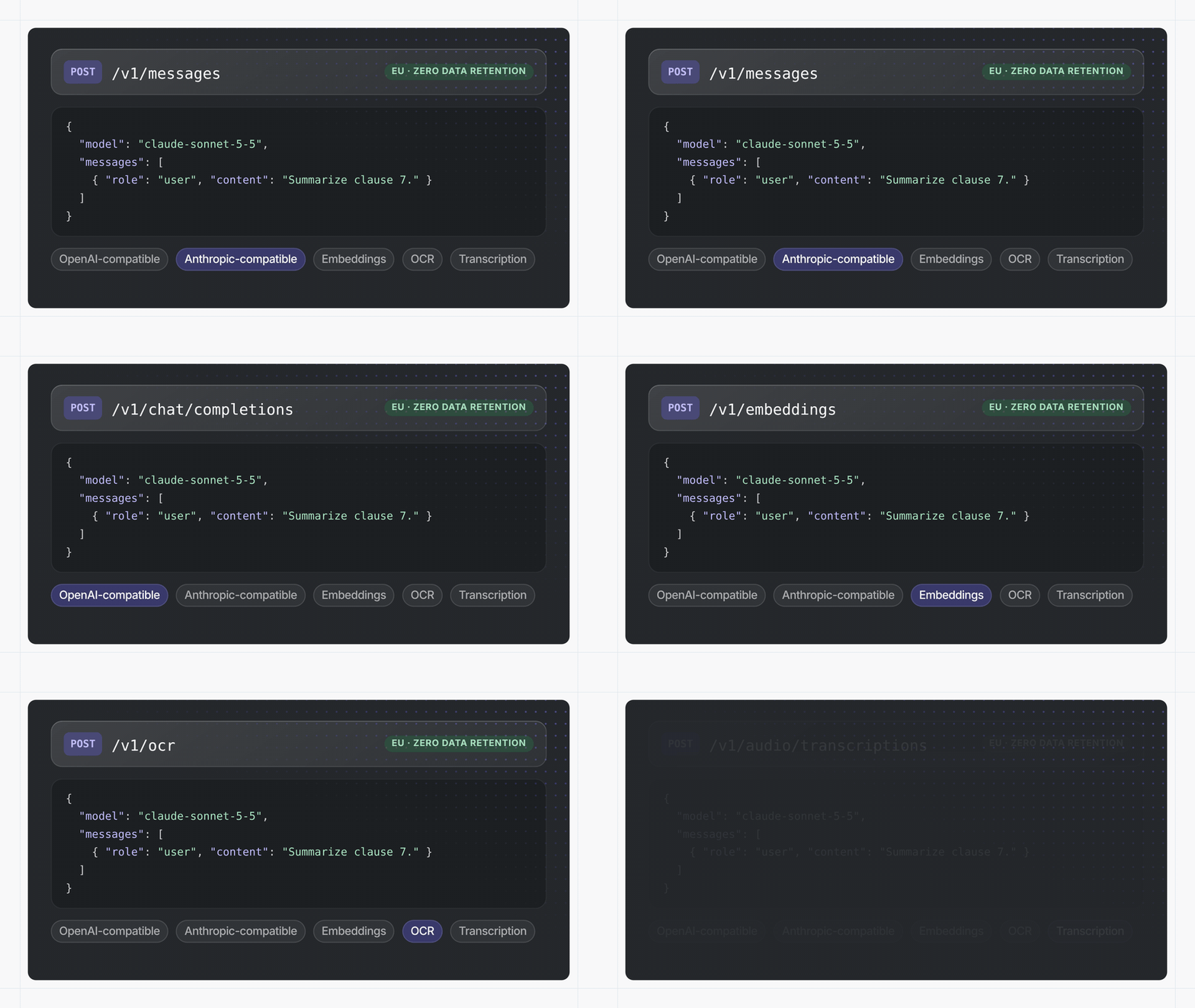
With the Logicc API, you connect the models on Logicc to your own applications, workflows, and developer tools. The same privacy standards apply as in the chat.
Manage API keys yourself: Admins create, name, and delete keys in the organization settings.
Top up credit directly: You buy API credit directly in the app.
Compatible with common SDKs: OpenAI- and Anthropic-compatible endpoints, plus embeddings, transcription, and text recognition (OCR).
Availability
The API is currently available on request. We will start the rollout for all organizations soon. For early access, contact our support.
GPT-6.1 Terra
New Model
GPT-6.1 Terra is now available on Logicc. Together with GPT-6.1 Sol, you now have OpenAI's GPT-6.1 family on Logicc.
Terra is OpenAI's balanced tier for everyday professional work. GPT-6.1 Terra is suited to writing, summaries, structured analysis and planning.
You can find more details in OpenAI's official announcement.
The model is hosted in the EU. Zero Data Retention applies at the model provider, and your data is not used for model training. Admins manage model access as usual in the workspace settings.
Integration missing? Wish for it.
New Feature

The integration catalog now also shows tools we want to connect next. One click adds you to the waitlist. If a tool you use every day is missing, you can request it directly.
Join the waitlist: for planned integrations, for example from Google Workspace and Microsoft 365.
Request an integration: for tools that are not in the catalog yet.
In your language: The form is available in German, English and Italian.
Your feedback goes straight into our planning.
All models in all plans.
Improvement

As of today, all models on Logicc are available to you on every plan, including the Claude Opus models and GPT-5.6 Sol, which were previously reserved for the Max plan.
So you can pick the right model for each task. Or you can let Smart Select AI choose.
Admins decide which models are active in your organization in the workspace settings. You can find an overview of all models in the Help Center.
New registration and login.
Improvement
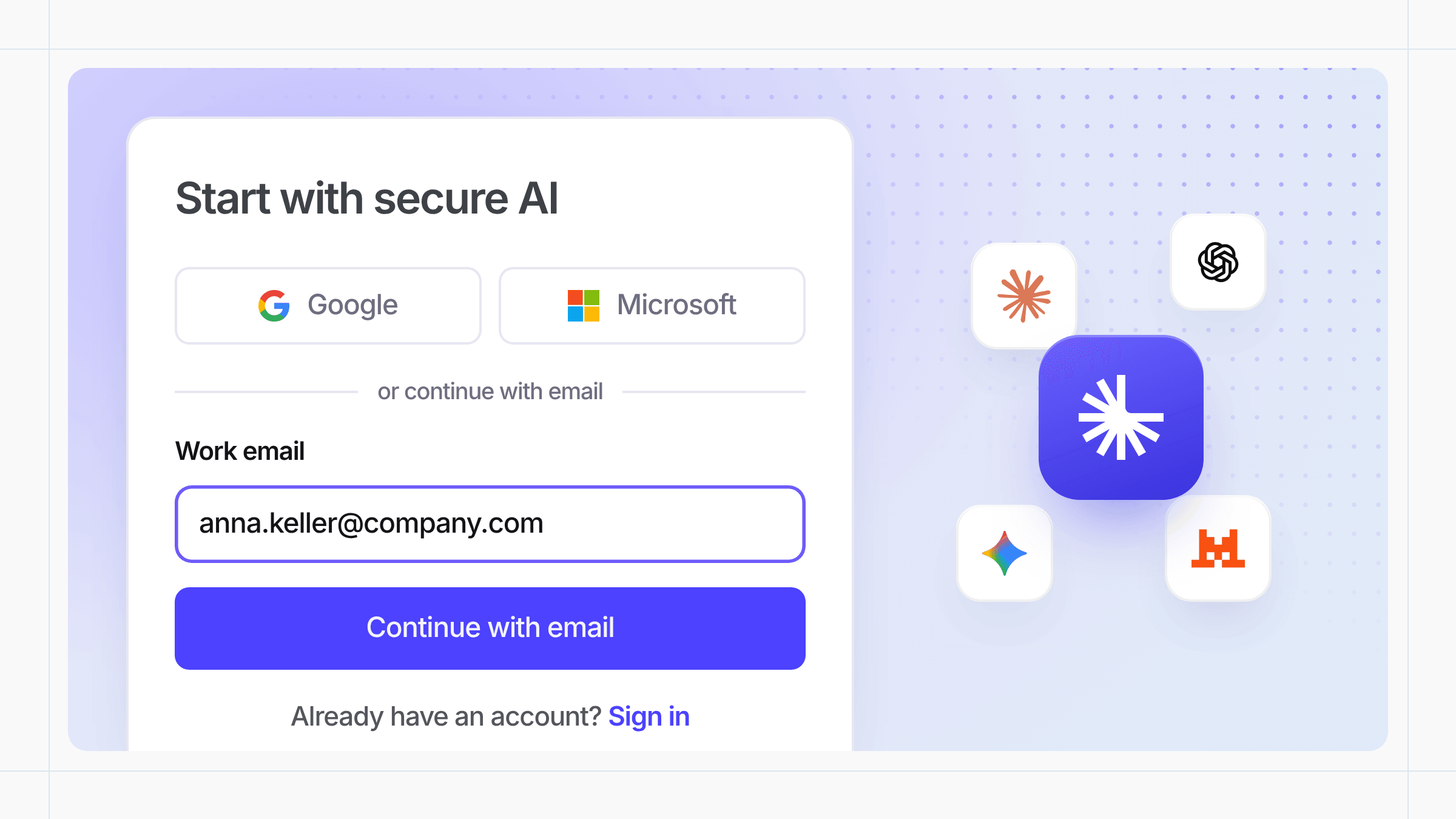
Sign-up and login have been redesigned. You start with your work email address, with Google, or with Microsoft, and you're in your workspace in a few steps. You can also log in with a passkey.
Clear start: a tidy flow from sign-up to your first chat.
Consistent design: Verification, password recovery, and error messages follow the new look too.
Faster start: If you enter your email address on logicc.com, it's already filled in when you sign up.